One library
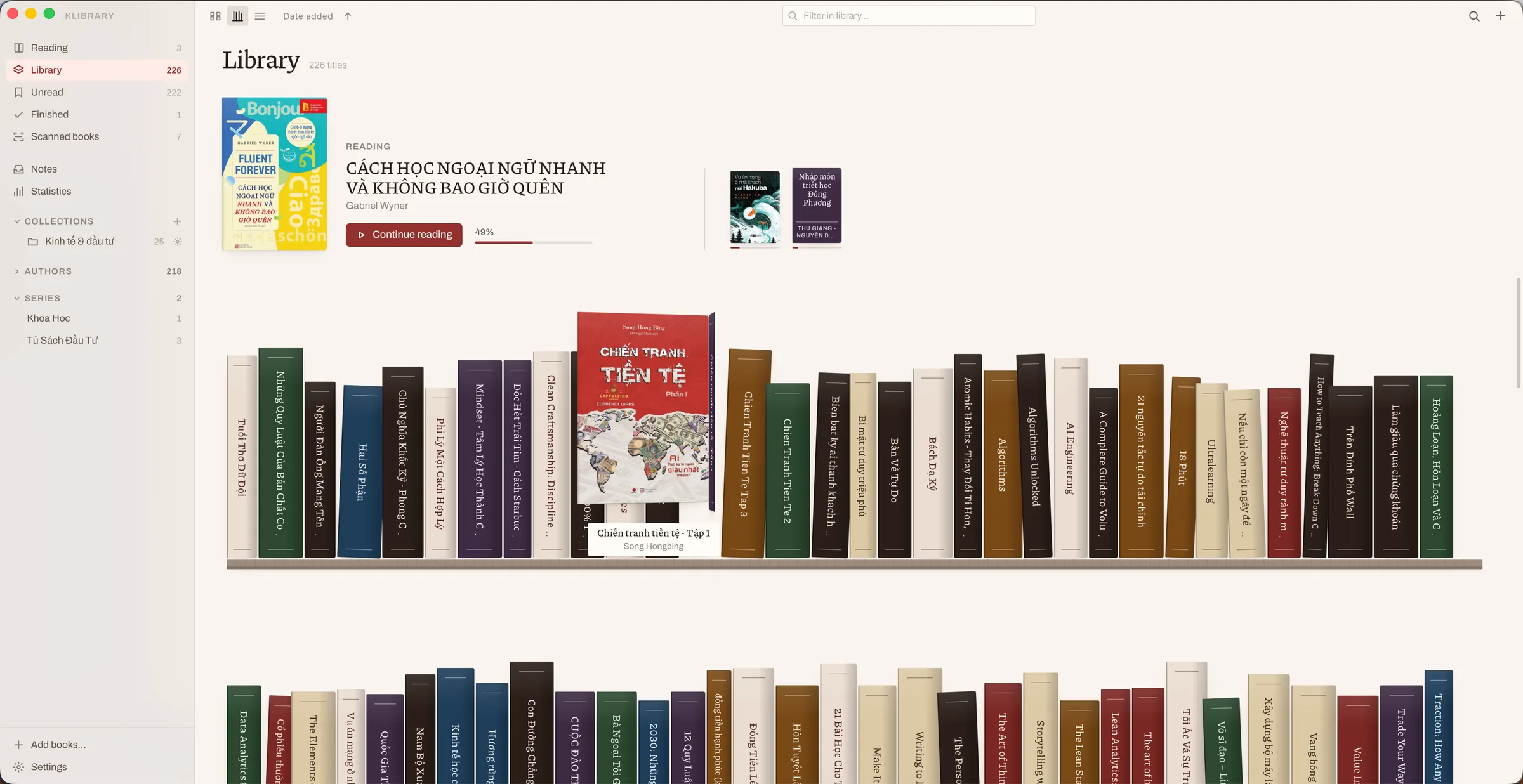
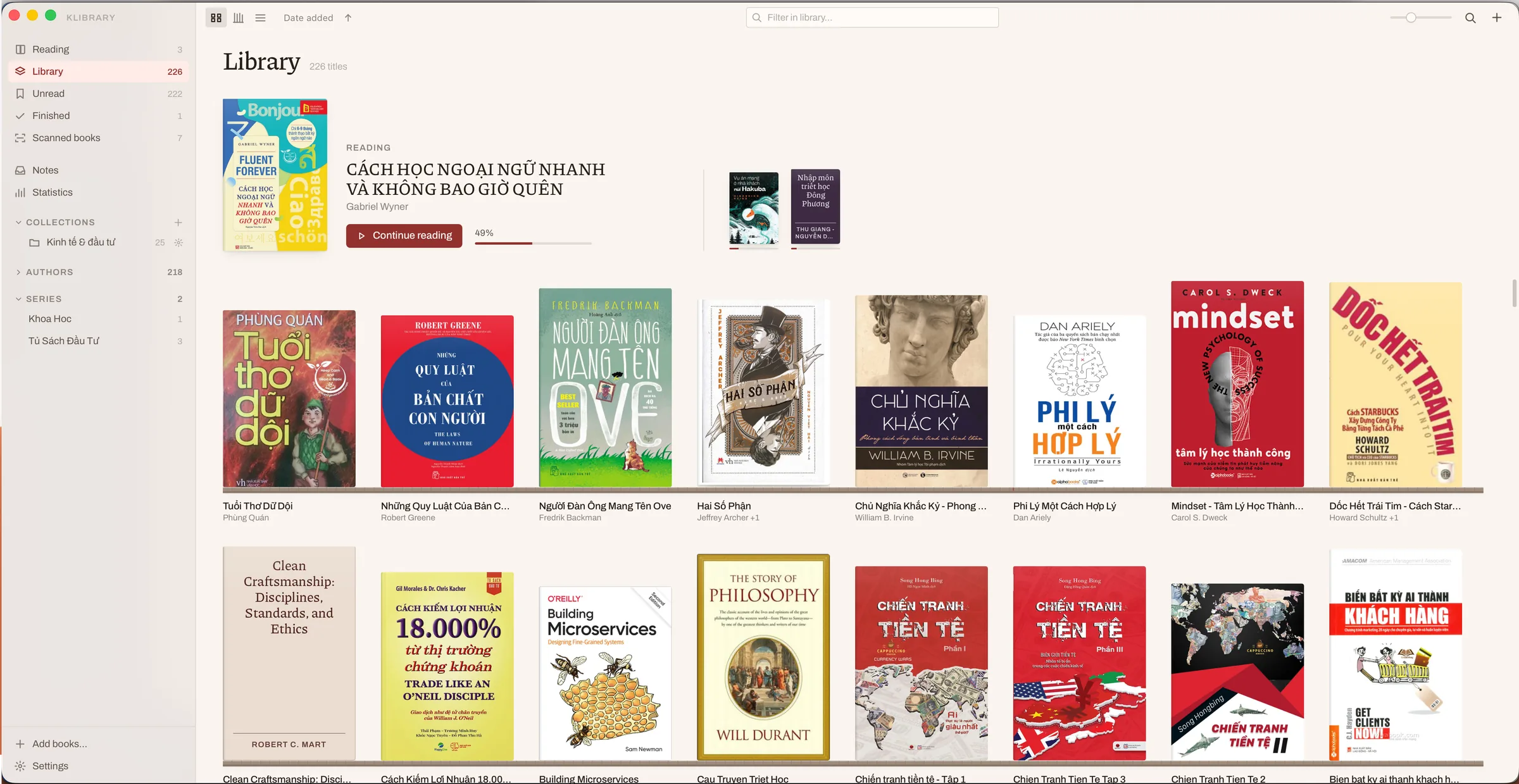
Keep every book in order, and find any of them fast
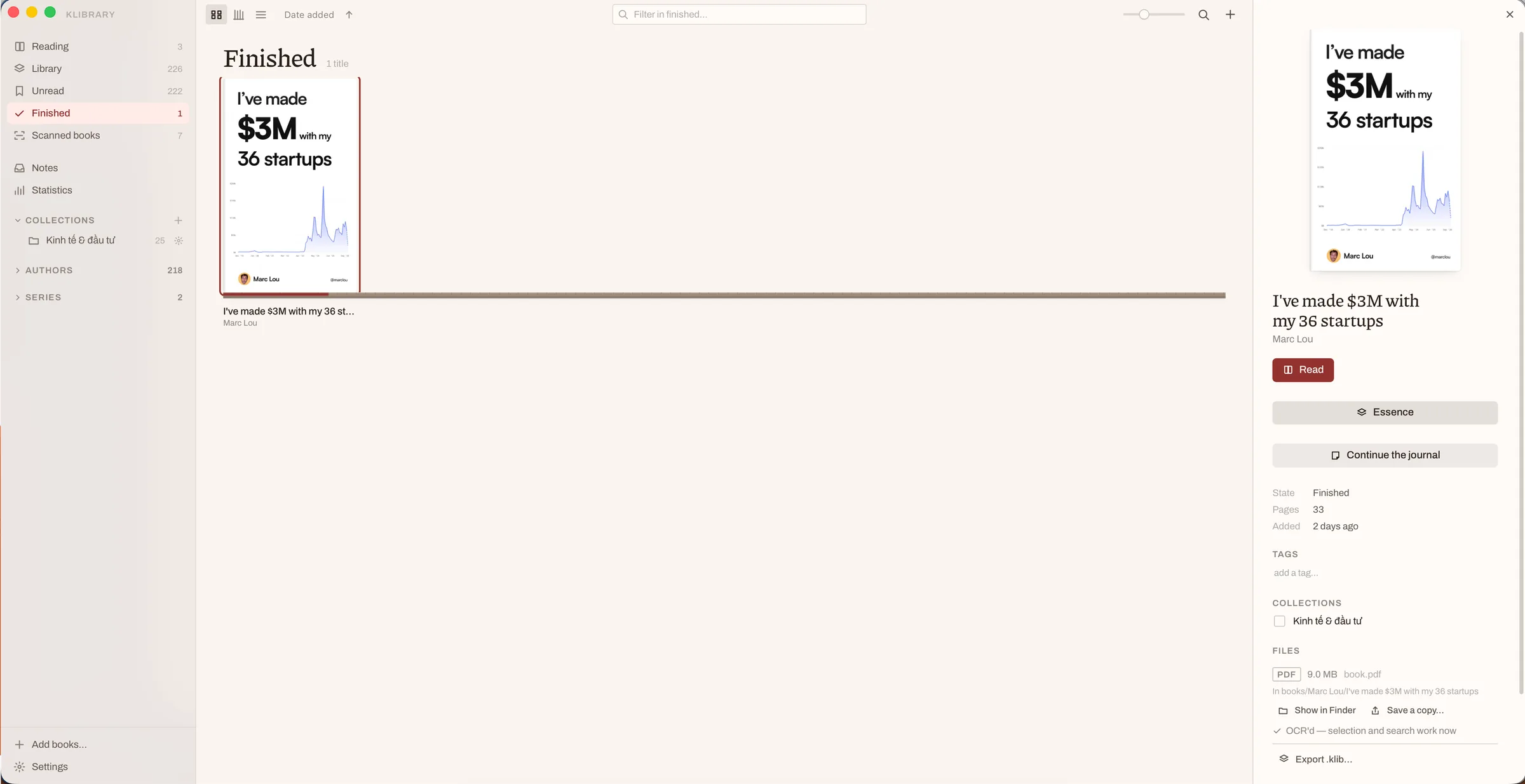
EPUB, PDF, MOBI and AZW3 all supported. Dragging them in is the whole import.
- EPUB · PDF · MOBI · AZW3
- Sorted by author, series and collection
- Covers, spines or table — ⌘1 ⌘2 ⌘3
A reading app for macOS
klibrary is for readers who take notes. Open any book, read, write down what you think — and keep all of it in order.
Drag across the sentence above
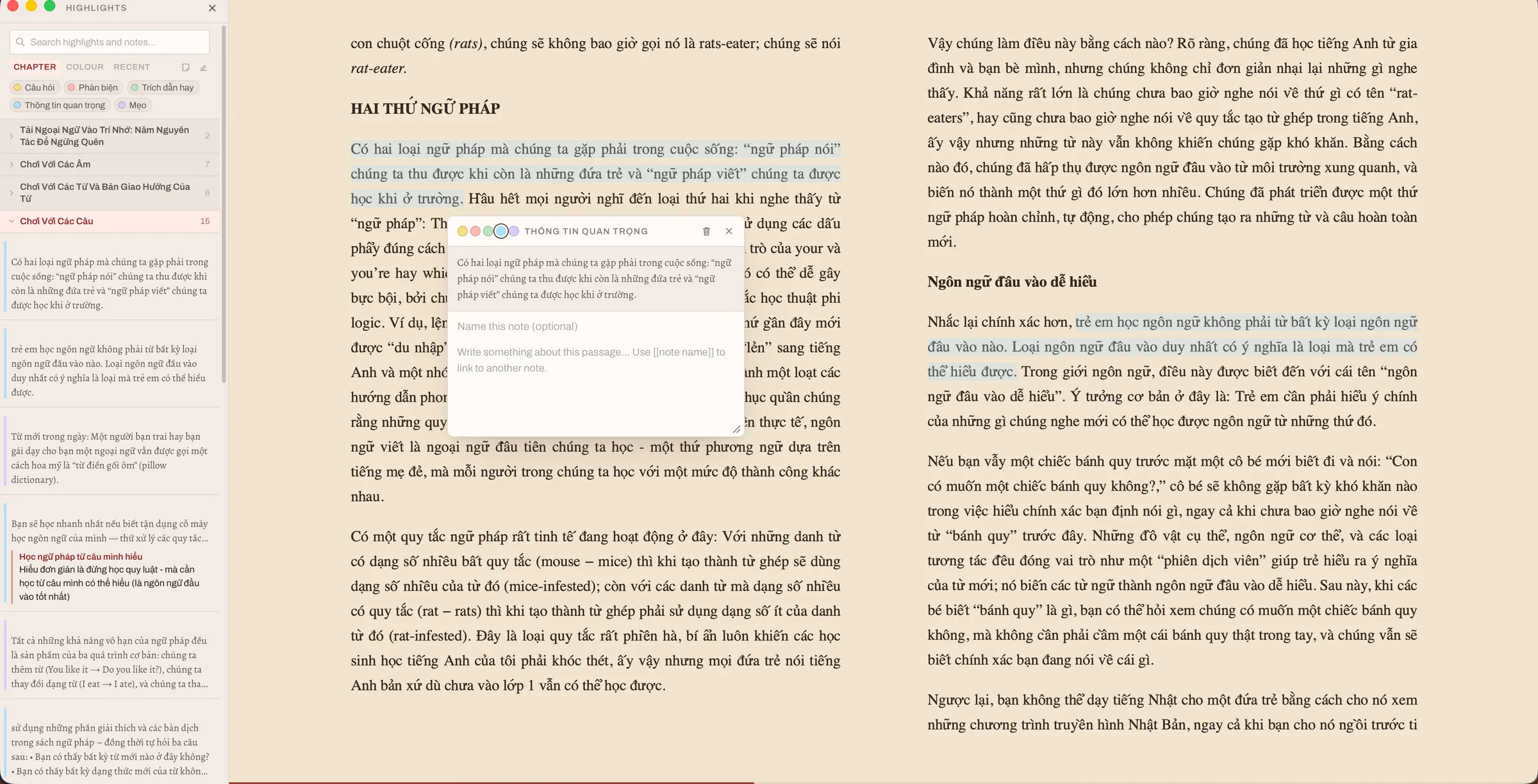
Mark a passage and your note appears here, with its colour, its meaning, and whatever you wrote underneath.
01 — Why it exists
I mark and annotate everything I read. My notes come down to three things: questions, arguments I want to push back on, and lines worth keeping.
I never found an app that gave me a good experience of all three at once — reading, writing the note, and keeping those notes in order as I went.
So I built the reader I wanted, to do exactly that as well as it can be done.
Reading is the easy part. Keeping what you read — and learning from it — is the hard one.
02 — What it does
One library
EPUB, PDF, MOBI and AZW3 all supported. Dragging them in is the whole import.
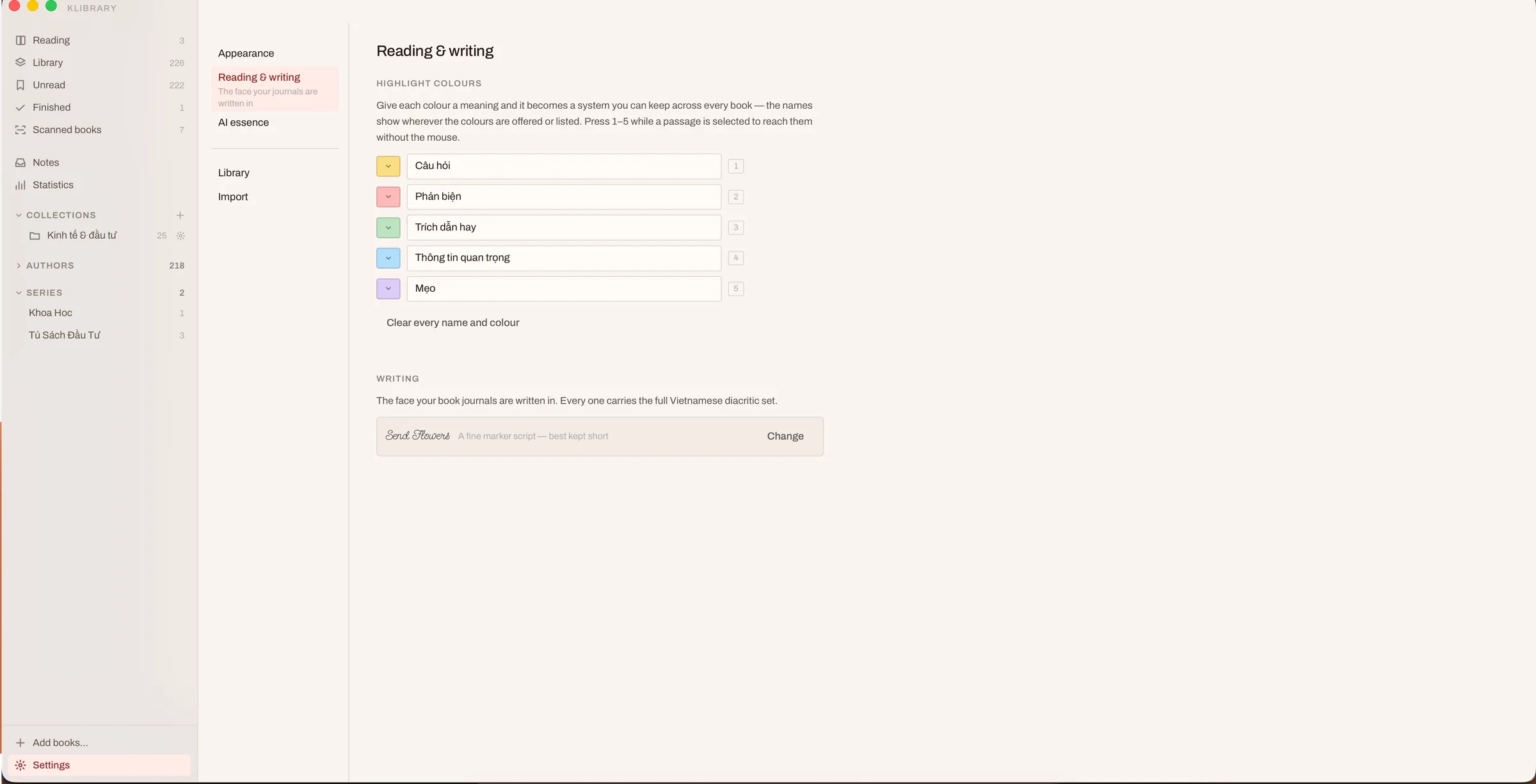
A colour system for your notes
Name the colours to match the way you read, then use them the same way in every book you open.
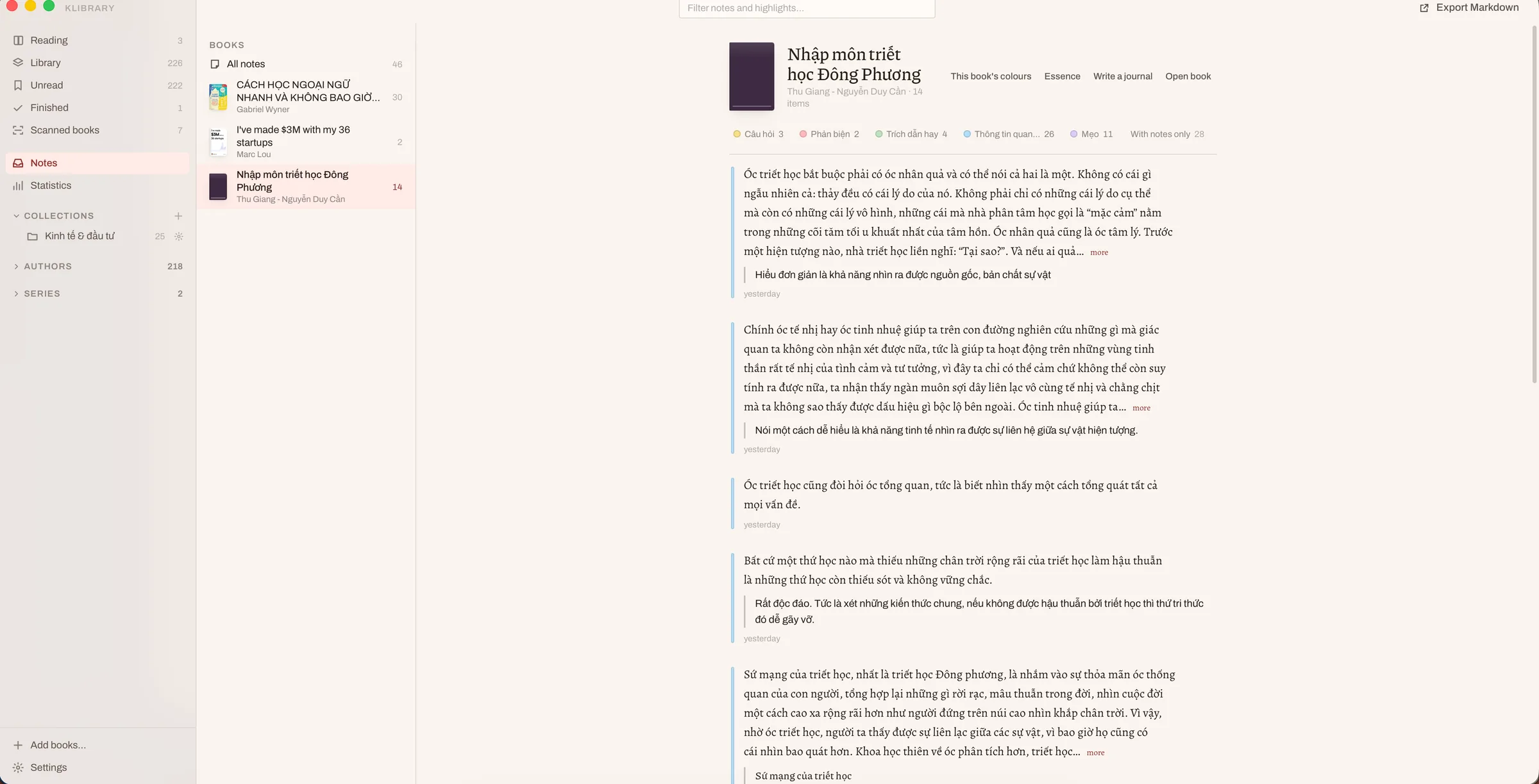
Every note, sorted and searchable
Everything you have ever marked, across every book. Filter by colour, by book, or by what you wrote underneath.
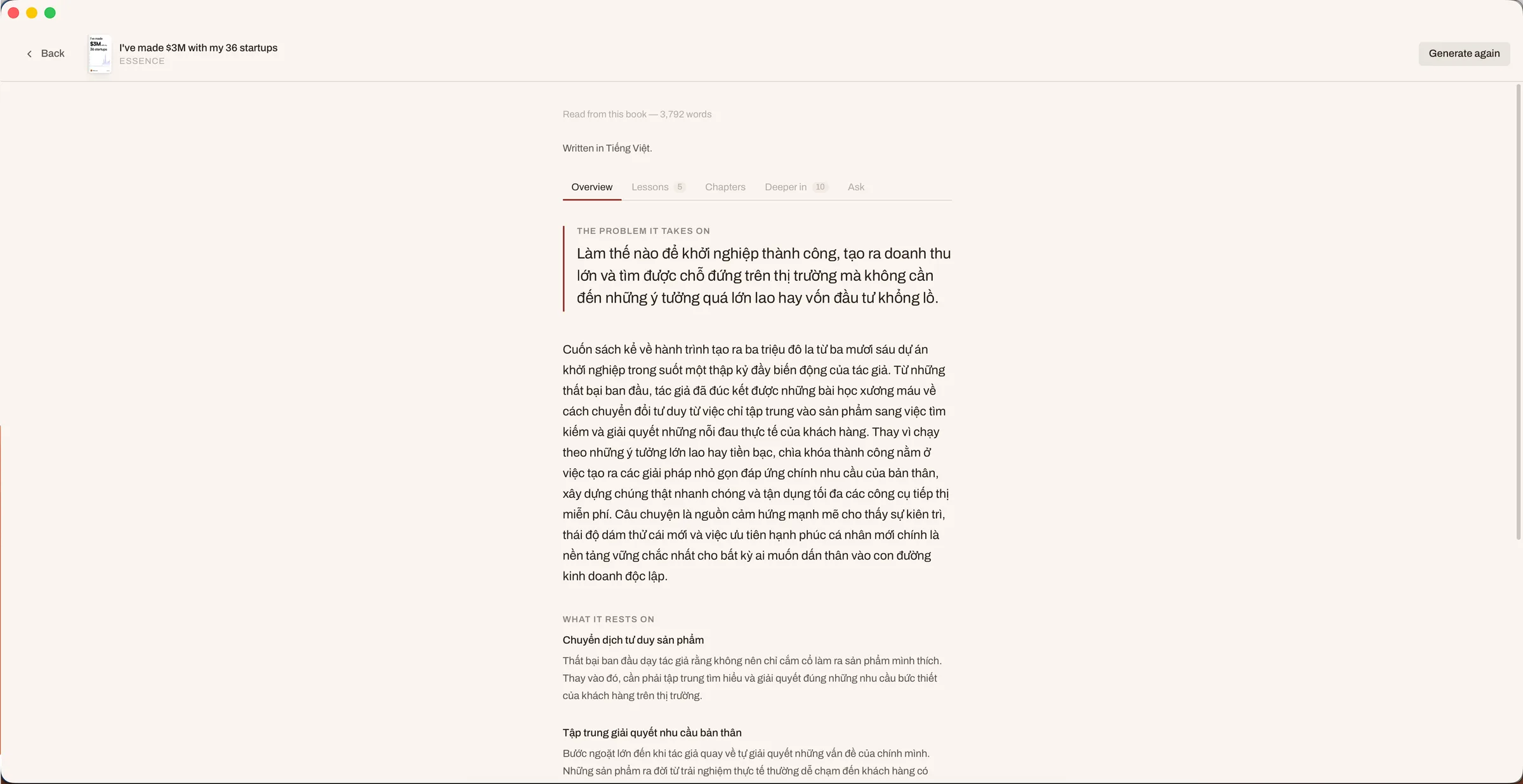
AI, if you want it
Have an AI read a book you own and draw out what matters in it: the problem it takes on, the lessons, a summary of every chapter.
Scanned books
A scanned PDF is just a stack of images. klibrary pulls the text back out of it, so you can mark it and write notes on it as easily as anything else.
03 — While reading
klibrary is built around reading and note-taking — so that marking a passage and writing the thought down is as quick and as effortless as it can be.
Book journal
Marks are scattered through the text by nature. Each book also gets a page of its own, where you write up what you actually took from it — in whichever hand you like to write in.

04 — Your books stay yours
klibrary runs on your Mac and nowhere else. Your library is a folder you choose.
No account, no subscription, nothing phoning home.
Notes live in a database beside your books. Your own files are left exactly as they were.
Off by default. Run Ollama and nothing leaves your Mac at all.
Protected Kindle files are declined, with a message saying so.
05 — Get it
Version 1.0 for macOS 14 or later, in two builds — one for Apple Silicon, one for Intel.
Not sure which you have? Apple menu → About This Mac. “Chip” means Apple Silicon; “Processor” means Intel.
Both builds are the same app, and the same version.
Move klibrary to your Applications folder.
This build is not signed yet. Right-click the app, choose Open, then Open again. First launch only.
Choose where your library should live, then drag your books in.
xattr -dr com.apple.quarantine /Applications/klibrary.app06 — What comes next
I built klibrary for myself, and version 1.0 does everything I needed. What I want to find out is whether anyone else needs the same thing.
That is what this launch is for. If this is your problem too, say so. If it is close but missing one thing, that is the comment I want most.
07 — Questions
Yes. Version 1.0 is free, with no account and no subscription. It was built as a personal tool and released to find out whether other people want the same thing.
EPUB, PDF, MOBI and AZW3, all in the same library.
Yes. Settings → Import from Apple Books brings your books, your reading progress and your highlights over in one pass.
No. DRM-protected Kindle files are declined with a message saying so. klibrary never removes DRM.
Not unless you switch AI on and press Generate. There is no account and no sync. If you run Ollama locally, nothing leaves your Mac even then.
Ollama on your own Mac, Google Gemini, or any OpenAI-compatible endpoint you can give a base URL. Your key is stored in the macOS Keychain.
The build is not yet signed with an Apple Developer certificate, so Gatekeeper stops it once. Right-click the app and choose Open, then Open again.
Version 1.0 runs on macOS 14 or later, on Apple Silicon and Intel alike — there is a build for each. Windows is exactly the sort of thing to ask for on Product Hunt.